

In today’s fast-paced world, digital convenience is key. Managing your car insurance has become easier than ever, thanks to online platforms. If you've recently purchased or renewed your car insurance, knowing how to download your car insurance policy online can save you time and ensure you always have access to your essential documents.
Why Downloading Your Policy Online is Important
Gone are the days of waiting for physical documents to arrive by mail. By downloading your car insurance policy online, you can:
- Access your policy instantly.
- Avoid the risk of losing physical documents.
- Quickly provide proof of insurance if required by traffic authorities.
Steps to Download Your Car Insurance Policy
Downloading your car insurance policy is a straightforward process. Follow these steps to access your document effortlessly:
- Visit Your Insurance Provider’s Website: Log in to your insurer's official website using your registered credentials. If you don’t have an account yet, you can register with your policy number and personal details.
- Navigate to the Policy Section: Once logged in, look for the "My Policies" or "Policy Documents" section.
- Find Your Active Policy: Locate the policy you want to download. Verify that the details match your car’s registration number and policy period.
- Download and Save: Click on the "Download" button. Save the document to your phone or computer for easy access.
Pro Tip: Use Mobile Apps
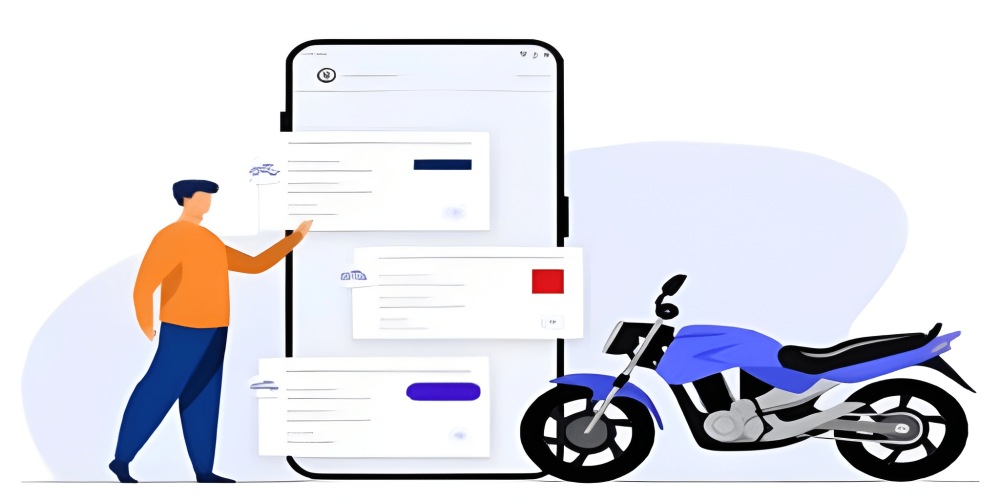
Most insurance companies now offer mobile apps, making it even easier to download your car insurance policy on the go. These apps often include reminders for renewals and other handy features.
Keeping Your Policy Secure
Once you’ve downloaded your policy, ensure you:
- Save a backup copy on cloud storage like Google Drive or Dropbox.
- Print a physical copy for emergencies.
By following these steps, you can ensure your policy is always at your fingertips, giving you peace of mind while driving.

















Leave A Comment
0 Comment